
How Our Ratings & Feedback System Works
Every booking on Unlimited Gig ends with a chance to share how it went. Here's a look at how the rating and feedback system works, from leaving a review to seeing how it shapes what you find on the app.
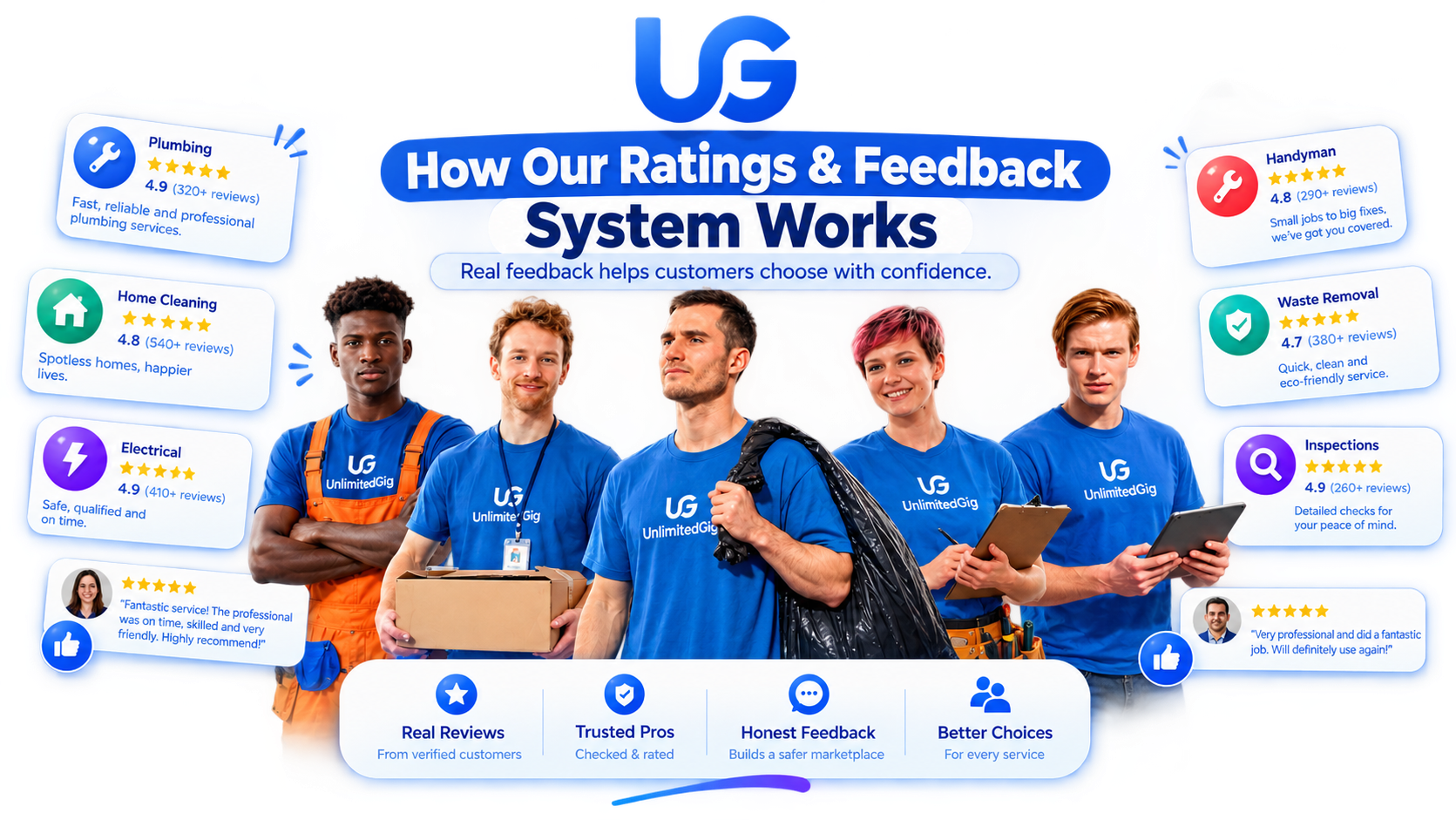
Picking the right specialist gets a lot easier when you can see what past customers actually experienced. That's the whole point of the ratings and feedback system inside Unlimited Gig, turning every completed booking into a small, honest data point that helps the next person decide with more confidence. Here's exactly how it works, from the moment you leave a review to how that feedback shows up on a profile.
Built On Honest, Everyday Feedback
Ratings only mean something when they come from real experiences. That's why the system is tied directly to completed bookings, so every star and every comment reflects something that actually happened, not a guess or a generic impression.
How a Rating Comes Together
A closer look at what happens between finishing a booking and seeing feedback appear on a profile.
A Booking Is Marked Complete
Once a booking wraps up, it moves into your Completed list, and that's the moment the app opens a short window for you to share your thoughts.
You Choose a Star Rating
Tap anywhere from one to five stars to give a quick overall score for how the booking went, from timing to how the work turned out.
Add a Few Words if You'd Like
A written comment is optional but encouraged. A sentence or two about what stood out gives future customers more to go on than a number alone.
Flag a Concern Separately
If something about a booking needs a closer look, there's a separate option to flag it, so a lower rating and a specific concern don't get mixed together.
The Profile Average Updates
Once submitted, your rating feeds into the specialist's overall score, which recalculates so it always reflects the most current picture.
Your Review Joins the List
Written reviews appear on the specialist's profile in a running list, giving anyone browsing a real sense of what to expect.
Recent Reviews Get Priority
The most recent feedback sits near the top of a profile, so what you're reading reflects how someone has been performing lately, not just a distant memory.
Specialists See the Feedback Too
Feedback isn't a one-way street. Specialists can see what customers are saying, which gives them a clear picture of what's working and what to adjust.
Designed to Stay Simple and Fair
A few design choices keep the feedback system easy to use and easy to trust.
Only From Real Bookings
A rating can only be left after a booking you actually made, so every score is tied to a real experience on the app.
One Rating Per Booking
Every booking allows one rating, helping keep reviews genuine, consistent, and representative of the actual customer experience.
Visible to Everyone
Ratings and written reviews sit right on the profile for anyone to read, with nothing hidden behind an extra tap or a paywall.
Quick to Leave
Leaving a rating takes seconds, so more people actually do it, which keeps profiles up to date with fresh, useful feedback.
From Booking to Review, in Three Steps
The same short flow every time a booking wraps up.
Three Steps From Complete to Reviewed
Here's the shape of it, whatever service was booked:
Tips for Leaving Feedback That Helps
A little extra detail in a review goes a long way for the next person browsing.
Mention Specific Details
A note about timing, communication, or the outcome is more useful than a general comment alone.
Leave It While It's Fresh
Reviewing a booking soon after it's done tends to capture the details most clearly.
Be Fair and Specific
A balanced review, noting both what went well and what didn't, helps others form a realistic picture.
Use the Flag Option If Needed
If a booking had a specific issue, flag it directly so it can be looked into on its own.
How People Actually Read Ratings and Reviews
A closer look at how customers typically use feedback when comparing specialists.
The star average is the first thing people check
When comparing a couple of specialists, the overall star score is usually glanced at before anything else on the profile.
Written reviews settle close decisions
When two profiles have a similar star rating, a couple of written reviews are usually what tips the decision one way or the other.
Recent reviews carry more weight
Feedback from the last few weeks tends to matter more to people than reviews from many months back.
Leaving feedback becomes a habit
Once someone has left a review after their first booking, it tends to become a regular part of how they close out future ones too.
Leaving Your First Review
If you've just completed your first booking, here's a simple path through the feedback flow.
Right After — Check Your Bookings Tab
Once your booking shows as Completed, the app will prompt you to rate the experience straight from that card.
Pick Your Stars — Then Add a Note
Tap a star score first, then use the text box to add a sentence or two about how things went.
Submit — It Shows Up Right Away
Your review appears on the specialist's profile almost immediately, and the star average updates to include it.
Next Time — Read Before You Book
On your next search, take a moment to skim ratings and recent reviews before choosing who to book.
Where Ratings and Feedback Show Up
What each part of the feedback flow is for and when you'll see it.
| Screen | What It's For | When You'll Use It |
|---|---|---|
| Rate a Booking | Leave a star score and comment | Right after completion |
| Profile Rating | Overall star average for a specialist | While comparing options |
| Review List | Written feedback from past customers | Before booking |
| Recent Feedback | Latest reviews shown near the top | Checking recent activity |
| Flag a Concern | Report an issue with a booking | If something felt off |
What the Feedback Flow Actually Feels Like
A snapshot of the everyday experience the ratings system is built around.
What Customers Are Saying About Feedback
"I always check the recent reviews before booking, they tell me a lot more than the overall score on its own."
"Leaving a rating takes ten seconds and it feels like it actually matters, since I can see how it changes a profile's average."
"Being able to flag a concern separately from the star rating made it easy to give honest, specific feedback."
Frequently Asked Questions
Practical answers about how ratings and feedback work.
See Why Feedback Makes Every Booking Better
Download Unlimited Gig and see how ratings, reviews, and real feedback work together to help you choose with confidence.